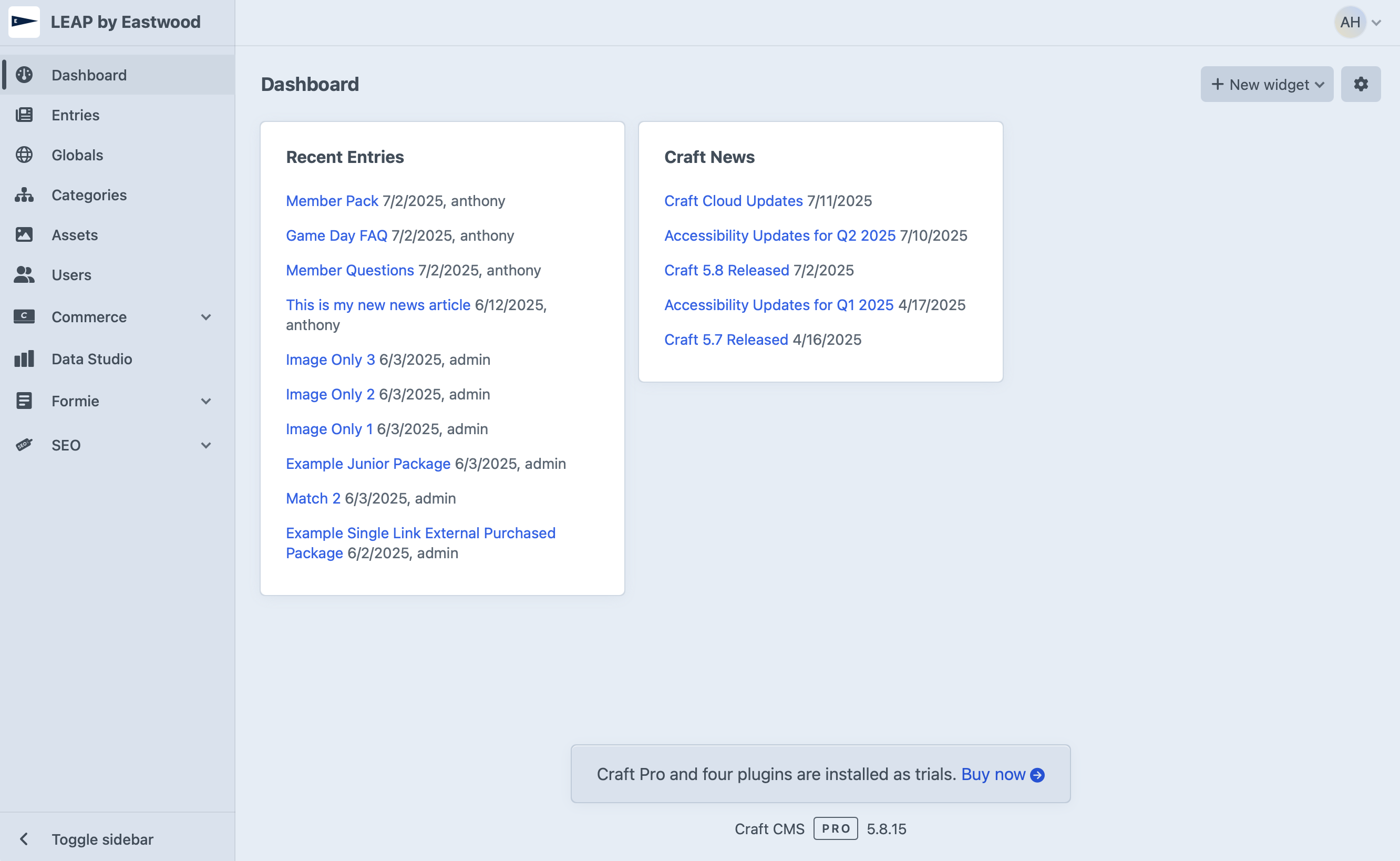
Control Panel Overview
Summary:
Get familiar with the main areas of the Craft CMS control panel so you can quickly find what you need.
Navigation Bar (Left Side)
The left-hand menu is your primary navigation tool. Common sections include:
- Entries – Your main pages and posts
- Assets – Your media library for images and files
- Globals – Site-wide content blocks
- Categories – Used for tagging and organising content
- Users – Managing CMS accounts (Admin only)
Top Bar
- Search – Quickly find entries, assets, or other content
- My Account – Change your password, update your profile
Main Content Area
Displays the selected section or entry you are working on.