Replacing Assets Without Breaking Links
Summary:
You can replace an image or file without changing its URL. This ensures any links to it remain intact.
How to Replace an Asset
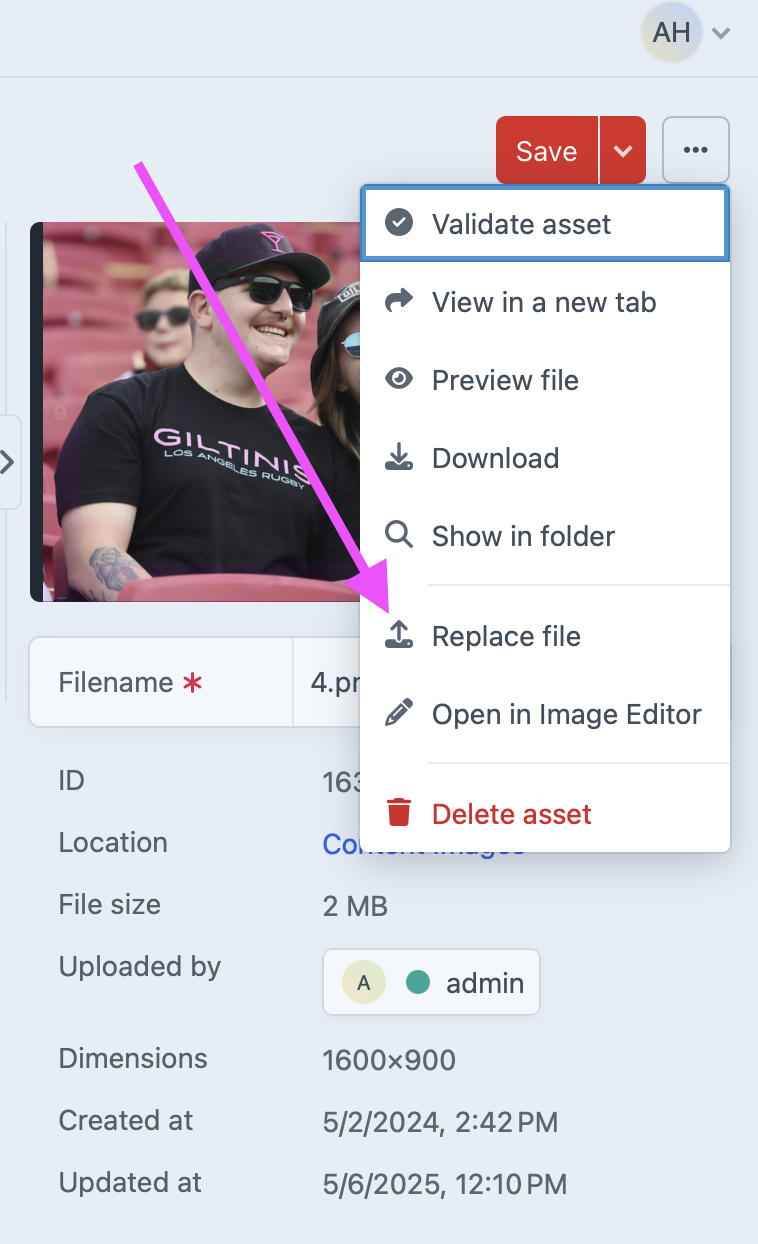
- Go to Assets and find the file.
- Click the file name to open details.
- Click the Replace file button.
- Upload the new version.
Tip: The file keeps the same name and URL, so you don’t have to update any links in entries.